

Today
A daily plan built from the minutes you have: due reviews first, then something new, then your weakest question type.
合格
A short plan each day: words, kanji, grammar, listening and reading, with every answer explained.
JLPT විභාගයට සූදානම් වෙන්න. පැහැදිලි කිරීම් සිංහලෙන් සහ ඉංග්රීසියෙන්.
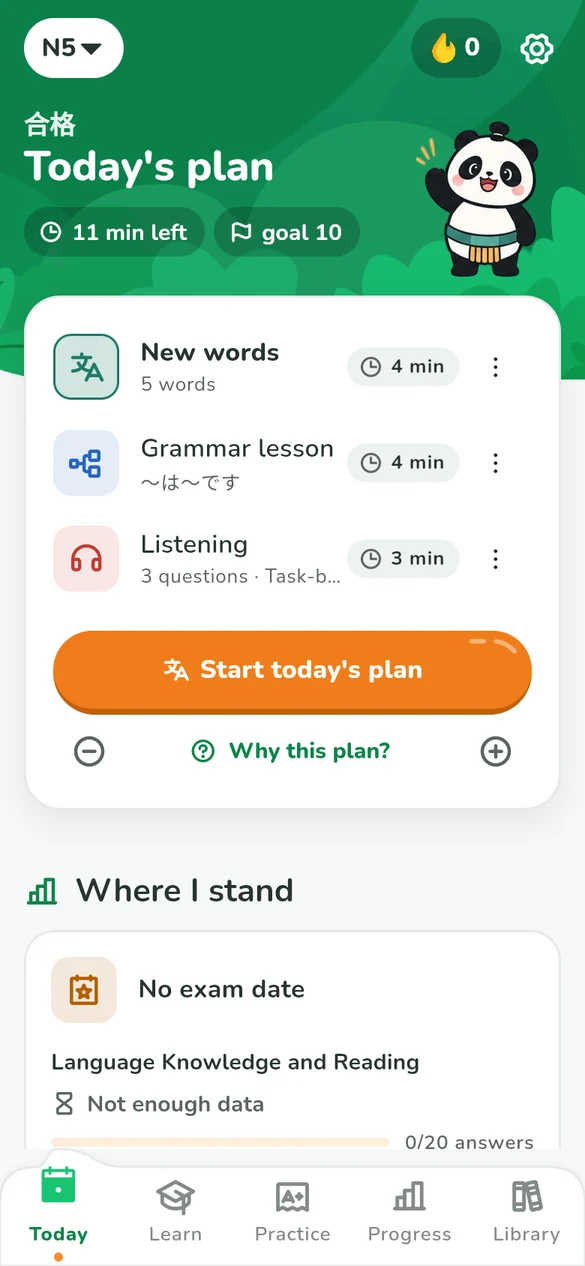
The website is the same app as on a phone: the same screens, the same lessons, the same mascot.
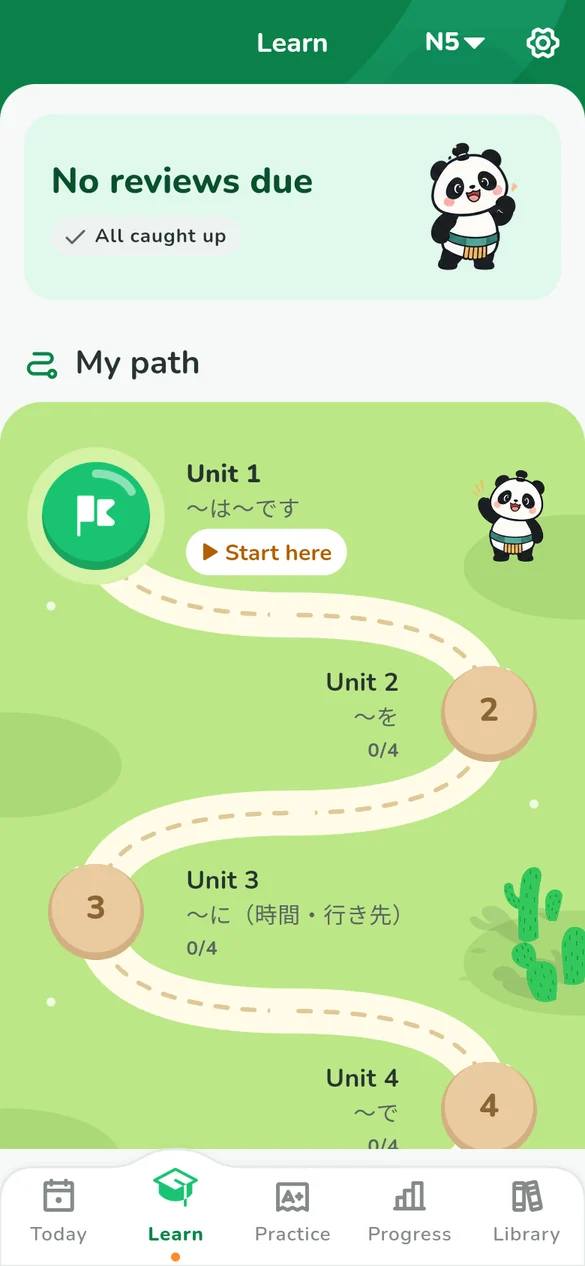
Each unit has two short word lessons, the kanji and the grammar point that go with them, and a practice on all of it. Kanji write themselves stroke by stroke, and you can write them with your finger.
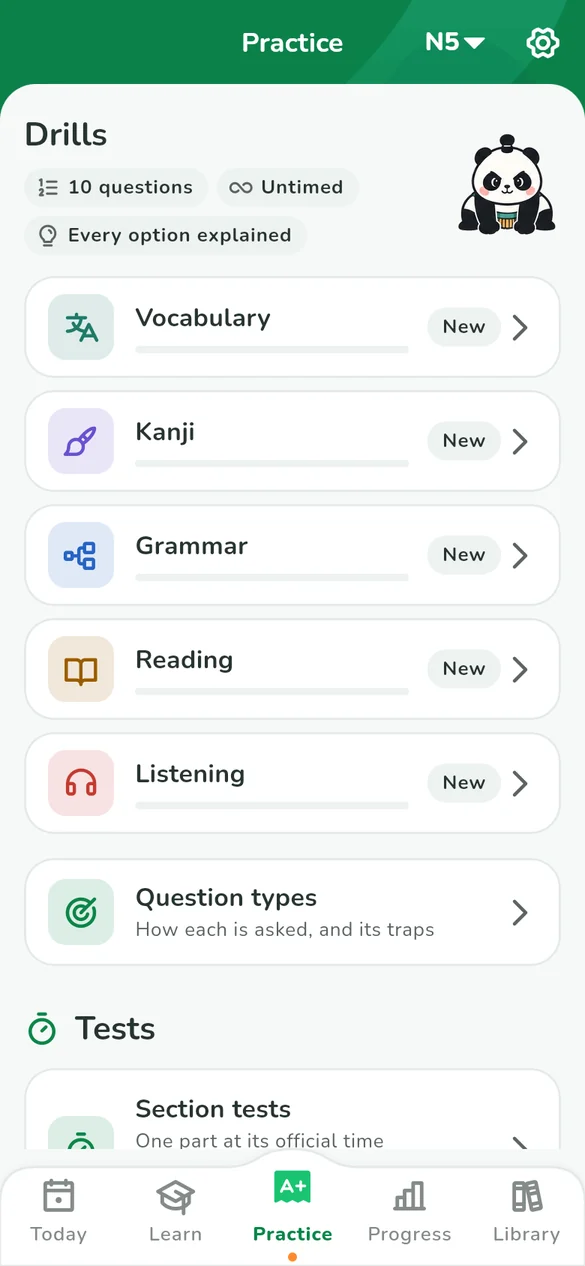
Untimed drills by question type, where every option has a reason. Section tests and full mock exams run at the official section times, with flagging, pause and resume.
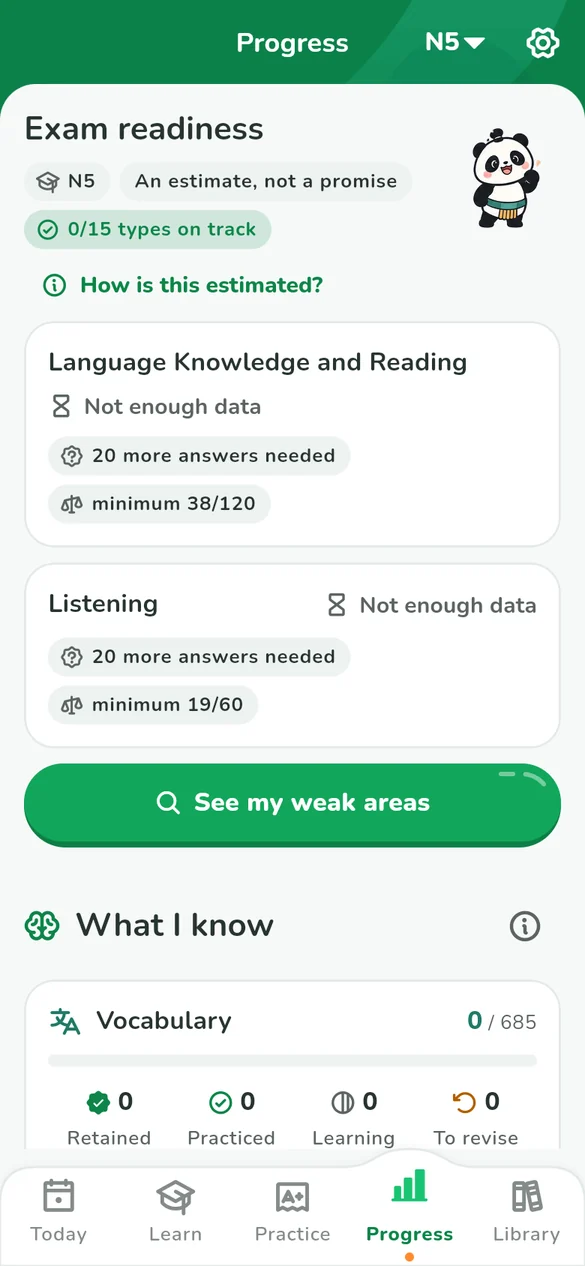
Readiness for each scored section, with the number of answers behind it. See where every word, kanji and grammar point stands, and which areas are weak.
A daily plan built from the minutes you have: due reviews first, then something new, then your weakest question type.

Search by kanji, kana, romaji, English or Sinhala. Dictionary, kanji index, grammar reference, bookmarks and mistakes.

Words and listening questions are read aloud by your device's Japanese voice, at three speeds.
N5 and N4 are full courses. N3 to N1 can be opened, and are still being built.
The first three units of every level are free, for good. JLPTHero Pro opens the rest.
The first three units of every level, N5 to N1, with their lessons, reviews and practice. No account needed.
Every unit of every level, every drill and every mock exam. Yearly with a free first month, monthly, or once for life.
Sign in with Google to get the rest of a level and to subscribe. A subscription opens the website and the phone app alike.
On the website, subscriptions open soon. Until then the free units are all yours.

Not to start. The first three units of every level open straight away. Sign in with Google to get the rest of a level and to subscribe, so that what you have is yours on any device.
In this browser, on this device. Your answers, reviews and notes are not sent anywhere; signing in gives the app only your name and email address. Clearing the browser's site data erases your progress, so use Settings in the app to save a copy first.
Yes. Open it in your phone's browser and add it to your home screen to use it like an app. On a computer the tabs move to a sidebar and the pages use the wider screen.
The app uses the Japanese voice of your device or browser. If none is installed, add a Japanese voice in your device's speech settings.
Not in the browser. Daily reminders are part of the phone app.